





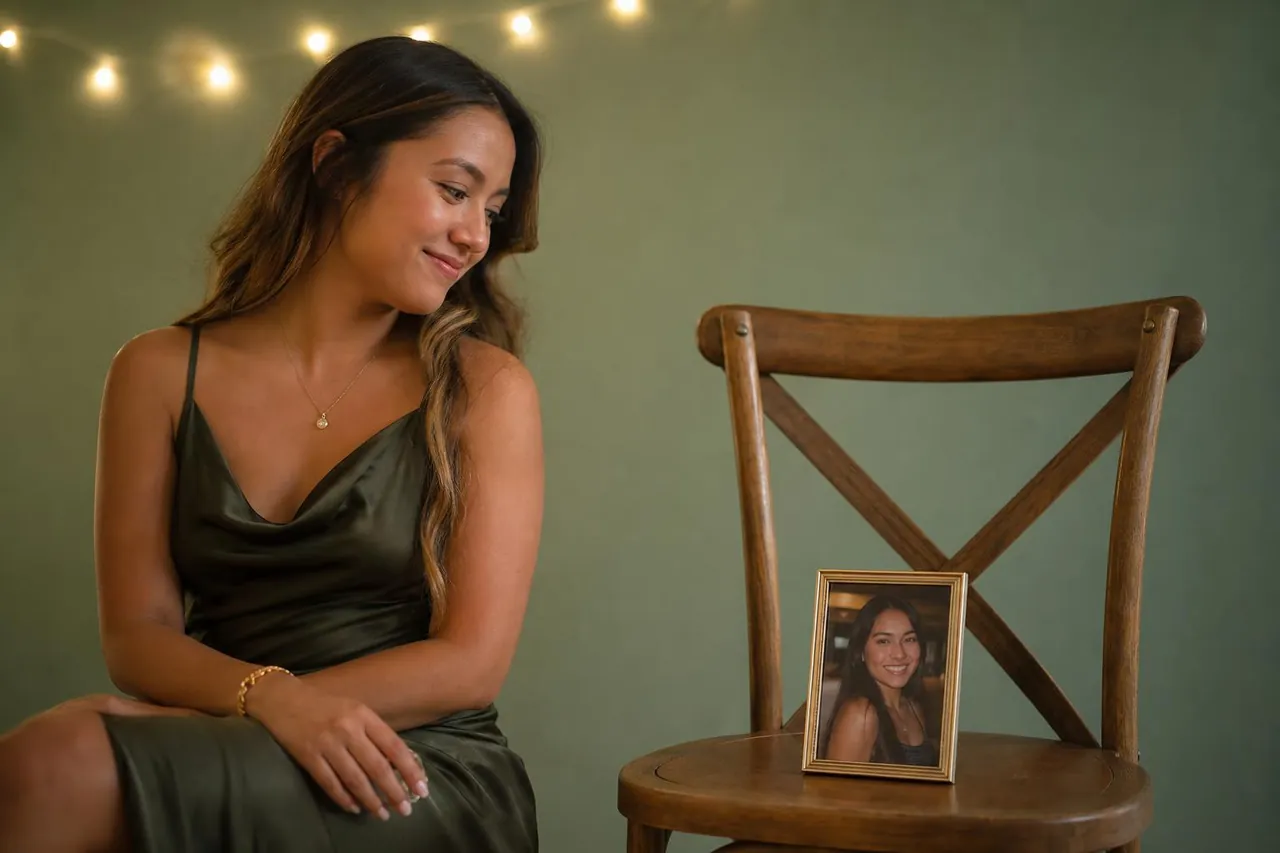


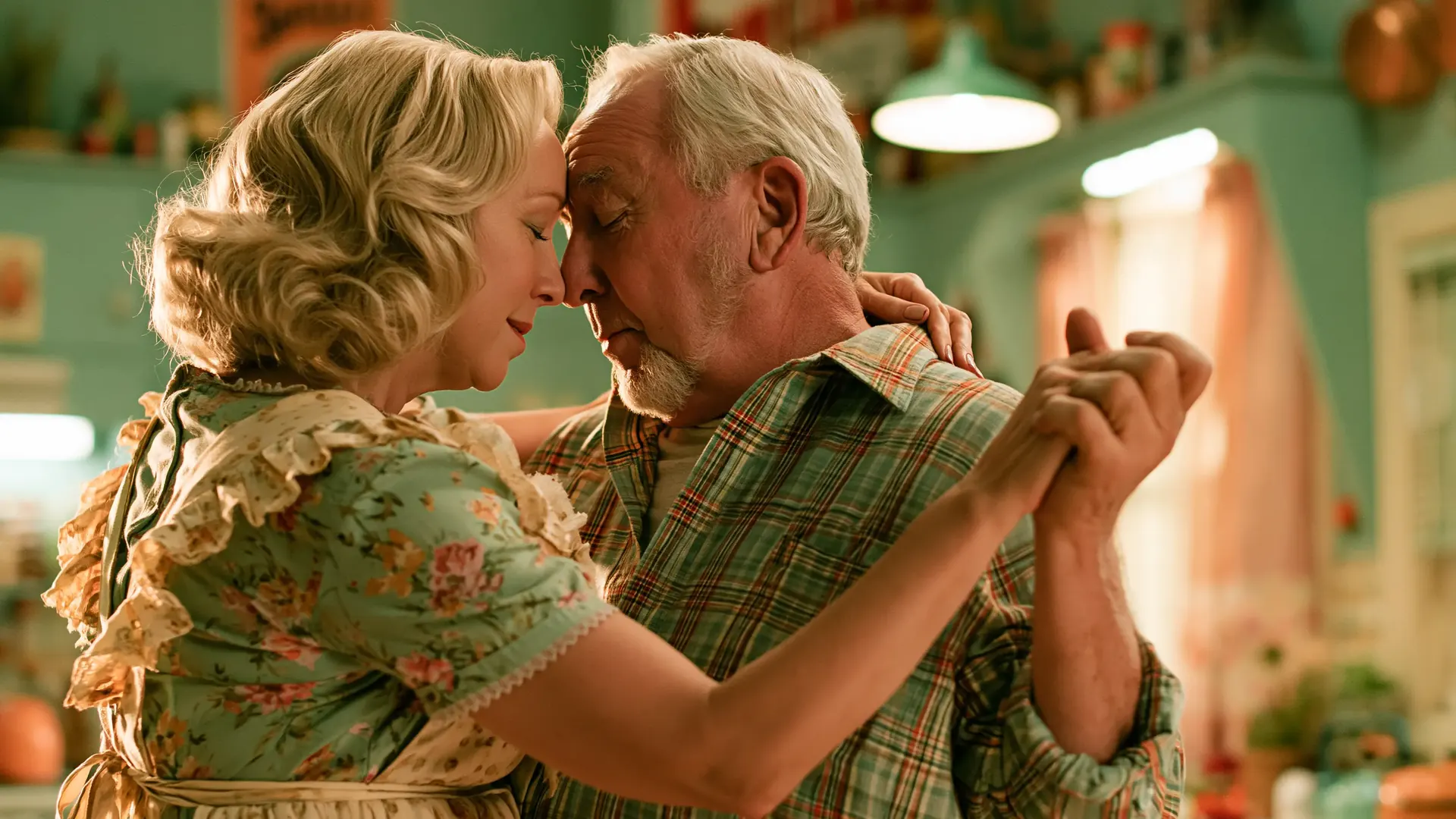







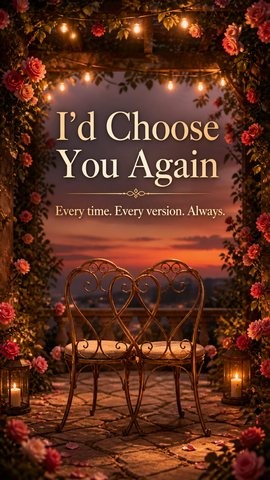
 SelectedStorybookA wall of photo cards with playful, smooth fly-throughs.
Home/Photo Slideshow
Turn your photos and a
personal song into a finished video they’ll treasure forever.
Pick a slideshow style, add up to 50 photos, and create a beautiful video that is ready to play, download, and share.
Up to 50 photos 1080p MP4 35-second preview No editing skills needed
Step 1 · Choose a look
Choose your slideshow style
Three styles are ready today. Light & Airy stays visible as the next style we are building.
SelectedStorybookA wall of photo cards with playful, smooth fly-throughs. CinematicFull-screen photos with soft crossfades and a film-like pace.16:99:16
 Classic MontageA warm stack of printed photos with timeless pacing.16:99:16
 Coming soonLight & AiryBright editorial whites, spacious arrangements, subtle motion.16:99:16Not selectable
Try it before you continue
Build a preview with your own story
Choose a style, add a few photos and a soundtrack, then see the direction before you create an account.
The 35-second browser preview is free. A finished 1080p MP4 with up to 50 photos unlocks for 1,000 ReadyMuse points.
Video formatChoose a horizontal Storybook video or a vertical version for phones and social sharing.
20/10
Add your photos
Choose 3–10 photos for this preview. You can add up to 50 in the full video.
Drag and drop photos hereor choose JPG, PNG, or WebP files · up to 10 for this preview
Your preview photos stay on this device until you choose to continue.
3
Choose the soundtrack
Use a ReadyMuse song or try an audio file you already have.
Aa
Add a title card (optional)
Preview the title now, or confirm it later in your ReadyMuse account.
Want a different mood?
Made for real memories
The simple parts stay simple
You bring the moments and the music. ReadyMuse handles the pacing, framing, and transitions.
Mixed photo shapes work
Use portrait and landscape shots together. Each theme frames them intentionally.
Your song sets the pace
Choose a ReadyMuse song or upload audio you have permission to use.
Private by default
Your preview is not published. You decide when to continue and share.
One ready-to-share MP4
Play it on a phone or TV, send it in a message, or share it at the celebration.
Photo slideshow with music
A personal video without learning video editing
A meaningful slideshow is less about effects and more about the order of the memories. Start with early photos, move through the moments that shaped the story, and end on a frame that feels like the next chapter.
ReadyMuse combines those photos with your chosen song, then applies one consistent visual style from beginning to end. The result is a polished photo slideshow video for a birthday, anniversary, wedding, memorial, graduation, or any occasion worth remembering.
Questions, answered
Before you build your slideshow
The practical details people usually want to know before choosing photos.
How many photos can I use?+
Use 3–10 photos in the free on-page preview. The finished slideshow requires at least 10 photos and supports up to 50.
Can I mix portrait and landscape photos?+
Yes. Each style frames mixed photo shapes differently, and every available style supports both horizontal 16:9 and vertical 9:16 video.
How much does the finished slideshow cost?+
The free preview costs nothing. A full-quality 1080p MP4 unlocks for 1,000 ReadyMuse points after you sign in.
What are ReadyMuse points?+
ReadyMuse points are the reward balance used to unlock gifts such as the finished slideshow. Current earning options appear in your account. Referral rewards are expected to be around 300 points after the invited person completes the qualifying action; the exact eligibility rule will be shown with the offer.
Can I use my own music?+
Yes. Choose a completed ReadyMuse song or upload an audio file. Before continuing, you confirm that you have permission to use the uploaded music.
Is the preview the real animation?+
Yes. The browser runs the same Remotion composition, photo order, motion, and soundtrack used for the finished slideshow. The final version is exported as a full-quality 1080p MP4.
Can I add a title to the video?+
Yes. Add an optional title before building the preview, or confirm and edit it later in your ReadyMuse account before the full render starts.
Will my photos be private?+
Your preview stays on your device until you choose to continue. A saved draft is not published, is linked to your account, and expires after 72 hours if you do not finish it.
How long does the finished video take?+
Rendering time depends on the number of photos and current demand. Your project page shows when the video is queued, rendering, or ready, and you can safely leave and return later.
What file will I receive?+
A ready-to-share 1080p MP4 that works on phones, TVs, messaging apps, and social platforms. No editing software is required.
Do I need a ReadyMuse song first?+
No. You can explore with an uploaded track. If you already have a ReadyMuse song, you can use it after signing in.
Make the memory playable
Start with the song that makes the photos mean more.
Build the free preview first. The finished 1080p MP4 unlocks for 1,000 ReadyMuse points.